--enable-features=UiaProviderThat’s all it took to make Chrome more compatible with Narrator. Getting there though, was interesting to say the least.
Narrator is Windows’ built-in screen reader from Microsoft that I had the pleasure to get to know in-depth for a project that I’m working on. And, dare I say, it performs arguably on par with JAWS & NVDA, when used with Edge.
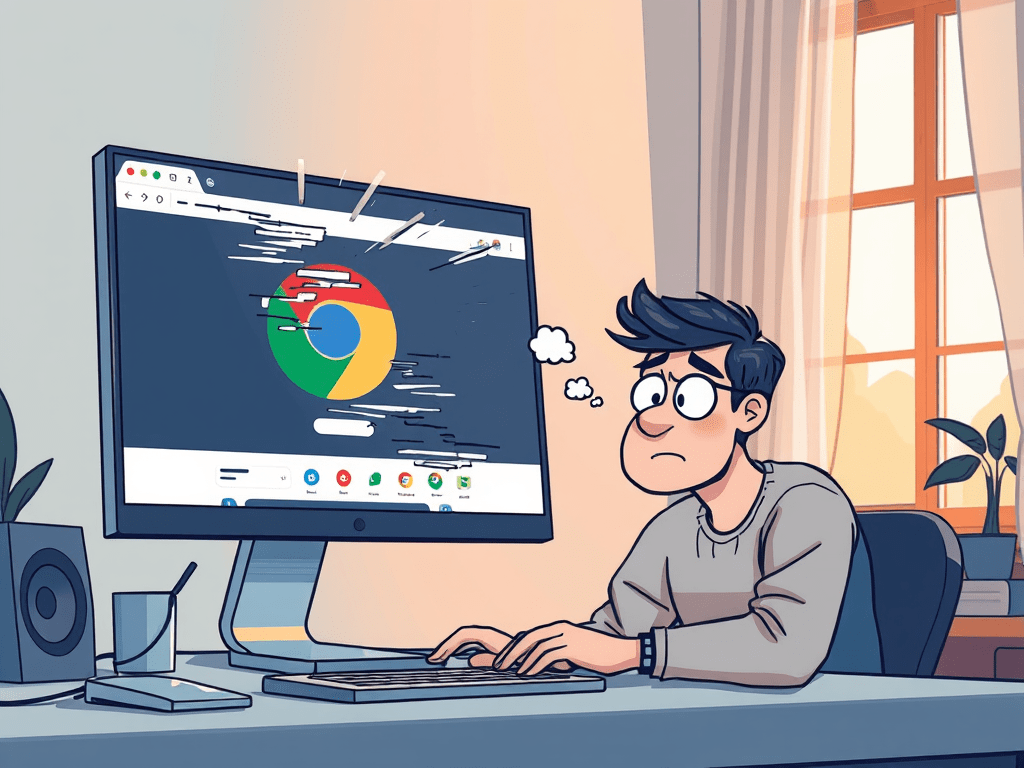
But it was struggling in Chrome and Firefox.
In accessibility testing, it’s a common practice to test with the recommended browser & screen reader combo, for many good reasons. Narrator with Edge is in that list, but Narrator with Chrome is not. This somehow sparked my curiosity, because both browsers are Chromium-based.
Expand if you are interested with my unnecessary back story.
It’s clear that Narrator isn’t compatible with Chrome, and easy to leave it at that. But somehow I had to know why. Chrome is my primary browser, and for others who may also prefer Chrome, wouldn’t it be great if they could use Narrator and stay in Chrome, if for some reason they can’t have NVDA or JAWS, maybe IT restrictions or whatever.
My google search skills were put to test, and clearly it wasn’t the best because despite countless searches, I couldn’t find a single article that explicitly stated Narrator’s browser compatibility. I scoured article after article, found bits and pieces of information but none directly addressed the compatibility question I had. I even posted in Microsoft community forum and their Feedback Hub hoping someone had the answer.
Just as I was ready to throw in the towel, I stumbled upon a heaven-sent article from Knowbility – Your Browser May Be Having a Secret Relationship with a Screen Reader! I couldn’t have been more grateful! It was exactly what I needed.
So, I figured I’d write about my discovery. If I could save someone else from going down the same rabbit hole, it’d be worth it. How useful this information is, is up to you, but I still think it’s pretty cool and worth sharing.
Modern browsers like Chrome primarily utilizes IAccessible2 (IA2), an accessibility API widely-used for its better support for complex web elements. It turns out that Narrator relies heavily on Microsoft’s UIAutomation (UIA) API, with only limited support for IA2. And while the Edge team contributed their UIA implementation to Chrome, it has remained experimental and turned off by default on that side. This could may well be common knowledge for a lot of people in the field, but not to me. So that’s quite exciting.
Sure it’s acceptable and much simpler to just end it with “they are not compatible”. But vagueness makes me feel uncomfortable, and if I can make it more clear, why not? I want to be able to support my findings because the people relying on my audit will eventually face their customers, and if this question comes up in their support channels, I want them to be able to answer with confidence.
To me, an audit isn’t just about stating what works and what doesn’t. It’s about providing better insights. Better insights lead to better understanding, and better understanding pushes accessibility more forward.
Ok here’s how it worked for me, if you are curious:
- In Windows, open Run
- Type the chrome.exe path, and then the flag. For example:
”C:\Program Files\Google\Chrome\Application\chrome.exe” —enable-features=UiaProvider - Open a website and Narrator away!
This setting only applies for the current session and will reset when Chrome is restarted.
⚠️ Also worth noting that this feature is unlisted in chrome://flags , and maybe for a good reason. It’s obviously not officially supported by Google, so enable at your own discretion.
Again, special thanks to Knowbility’s article for opening the door to the answers I was looking for!
